Keep the source one step away
A task summary is more useful when the original message or event can be opened directly. The dashboard preserves that connection.
Case study / Executive tools
CUWN Command Center
An executive dashboard and macOS widget that bring priorities, follow-ups, decisions, and meeting preparation into one workspace.
01 / The problem
I designed and built CUWN Command Center to turn scattered email conversations and calendar commitments into a clear view of what needs attention. It brings priorities, follow-ups, pending decisions, and meeting preparation into one workspace, with direct links to the original Outlook messages and events.
The product is built around my daily executive workflow: understanding what is still open and having the context to decide what comes next.
02 / From conversation to action
Illustrative scenario
A conversation needs a decision before an upcoming meeting. A later reply may already have resolved part of it.
This example explains the workflow; it contains no actual correspondence or private task details.Related messages are grouped by topic so a potential commitment can be reviewed with its context.
Potential action items are surfaced for review alongside priorities, follow-ups, pending decisions, and meeting preparation.
Later replies and sent mail help identify work that has already been handled. Direct Outlook links keep the original conversation available.
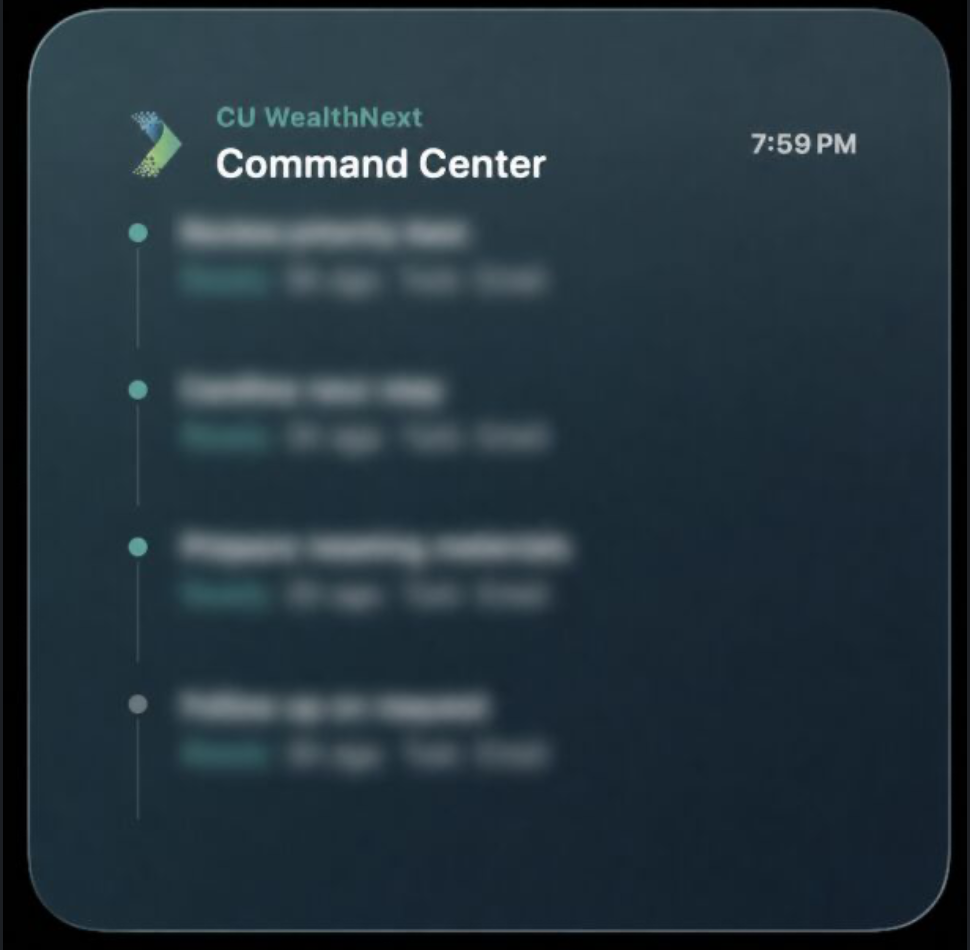
Key items stay visible in a native macOS widget. Shared task status keeps that view and the dashboard in sync.
03 / Product decisions
A task summary is more useful when the original message or event can be opened directly. The dashboard preserves that connection.
Potential actions are surfaced for review. The interface supports judgment about what deserves attention.
The widget gives key items a persistent place in the working day. Shared status keeps the two views connected.
04 / What the build delivers
The build combines a dashboard for reviewing the full picture with a native macOS widget for keeping key items visible. Shared task status connects those two ways of working.
Built around my daily executive workflow, the project combines practical AI automation with interface design to make open commitments easier to track.
Internal workspace. The supplied widget image preserves its original blur; live messages, tasks, and application links are private.